
What it needed.
What we made.
The story
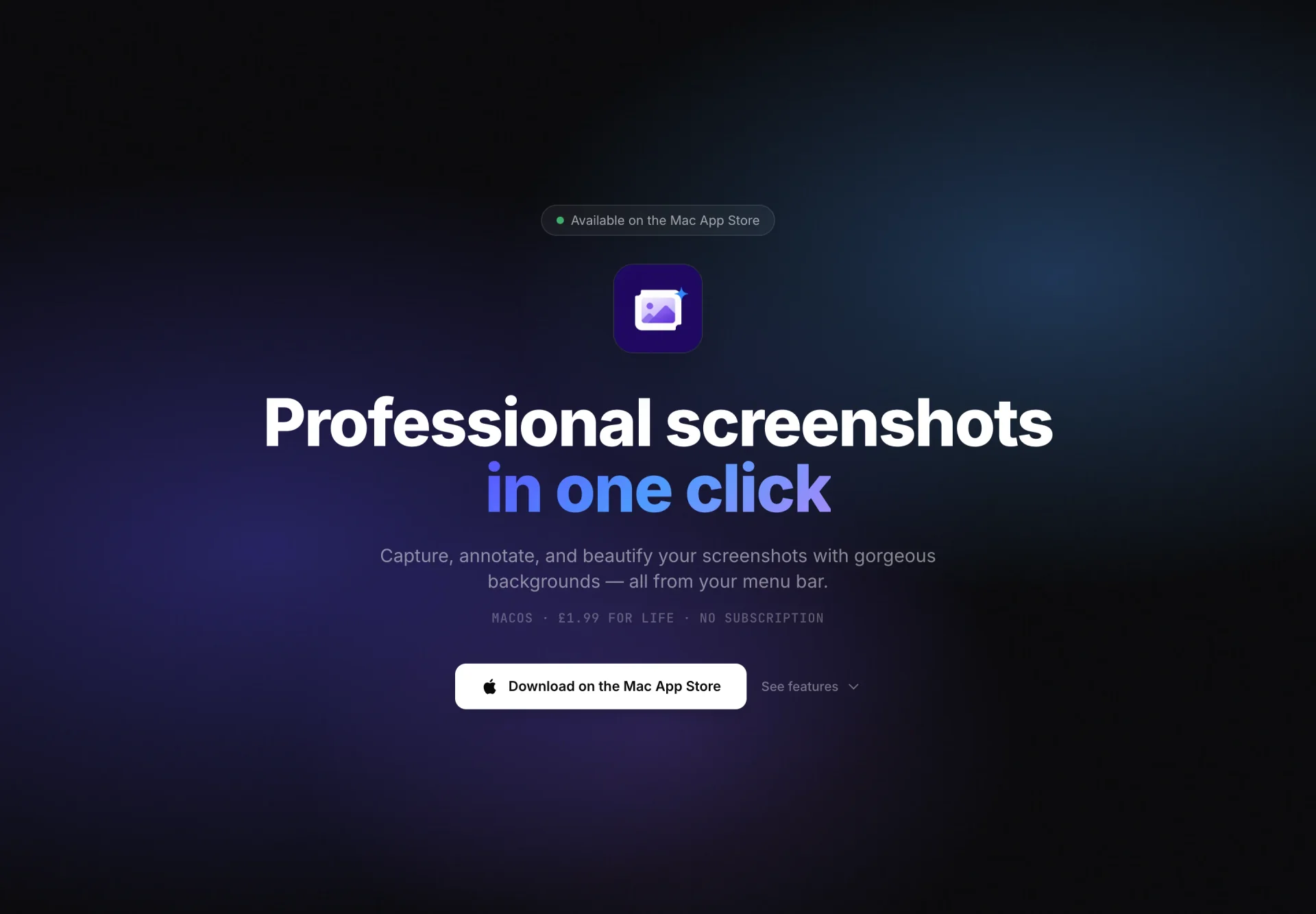
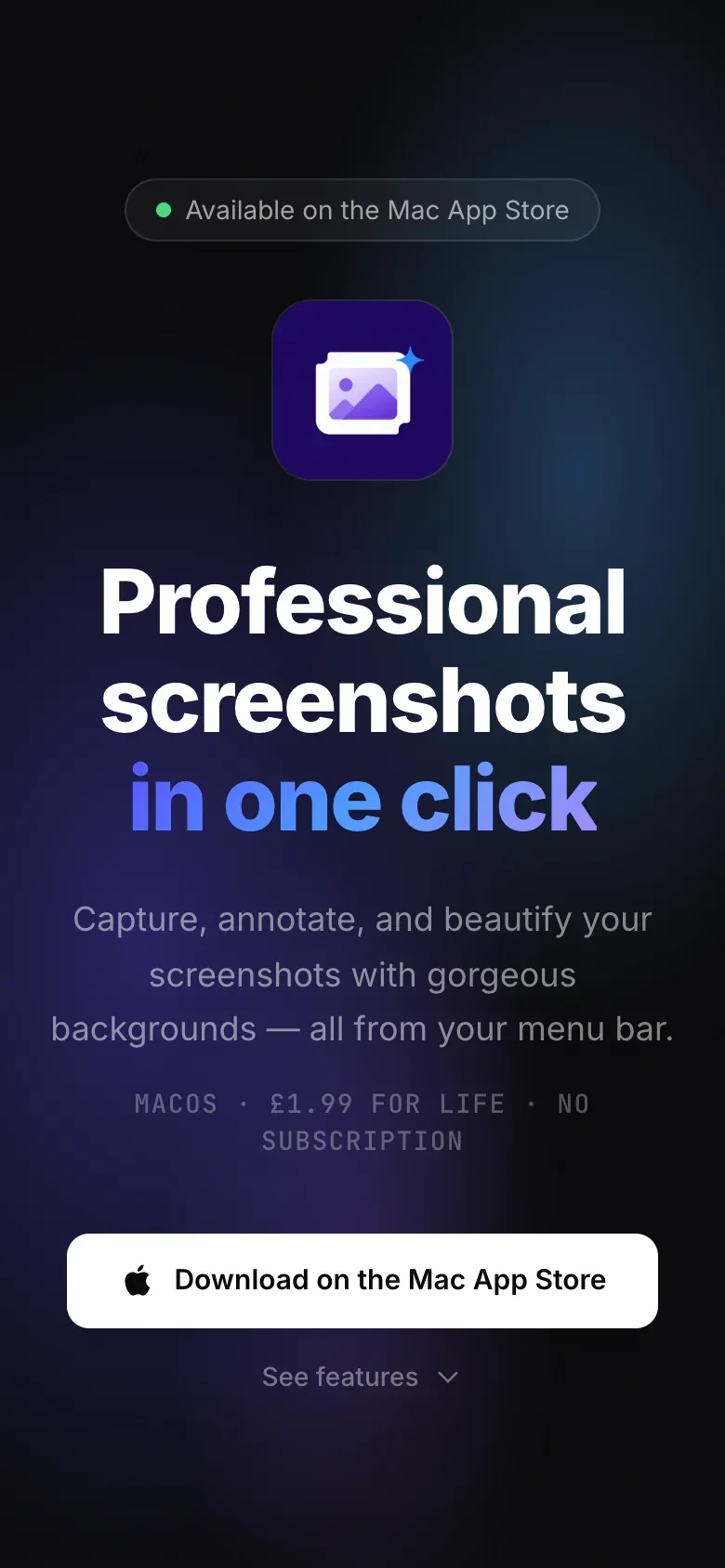
ScreenShotty is a lightweight macOS screenshot tool that lives in the menu bar. It is a LogicLeap product rather than client work. There is no dock icon and no clutter: it sits in the menu bar, waits for a global hotkey, and stays out of the way the rest of the time.
The challenge
A screenshot utility is always used in the middle of doing something else. Nobody opens one for its own sake; you reach for it while writing a message, filing a bug or putting a document together, and you want to be back in that task seconds later. That turns the usual measures of an app upside down. Screen space, feature count and launch ceremony all count against it. What ScreenShotty ships is the working loop and the things that keep the app out of sight around it. Select an area, mark it up, check it, save it where you want it, with nothing to open first and nothing sitting in the dock afterwards.
What we built
Capture starts with area selection, so you take the region you want rather than grabbing a whole screen and cropping it afterwards. The file you end up with is the thing you meant to share, not a full display the other person has to squint at. Annotation and drawing tools are part of the same app, so the arrow, the box or the scribble that explains a screenshot does not need a second one. A preview step sits before save, so you confirm what you have before it lands anywhere instead of saving, opening, noticing the selection was off and going round again.
The rest of the app is built around not being seen. ScreenShotty registers a global hotkey, so a capture starts from whatever you were already doing without switching apps first. It runs from the menu bar with no dock icon, so it does not take a slot in the dock. Launch-at-login support means it is already running when it is needed, so the first capture after a restart behaves exactly like any other, with nothing to find and nothing to open.
Output is configurable rather than assumed. Both the file format and the destination are settings, so captures land where your workflow already expects them instead of in one fixed folder you tidy up later. The app is written in Swift and SwiftUI for macOS: native code for a utility that only has to do a small number of things and stay out of the way while it does them.
LogicLeap Portal
Our own home for client projects, proposals and ongoing support.
Let’s make
it happen.
A new idea, a better website, or a problem that needs solving. Tell us what you have in mind.
Start a conversation